Sign-up or register
The Storefront runs at 3002 and visit localhost:3002/ route for Visiting Home Page. You can sign-up by clicking the REGISTER at the upper right corner of the navigation bar.
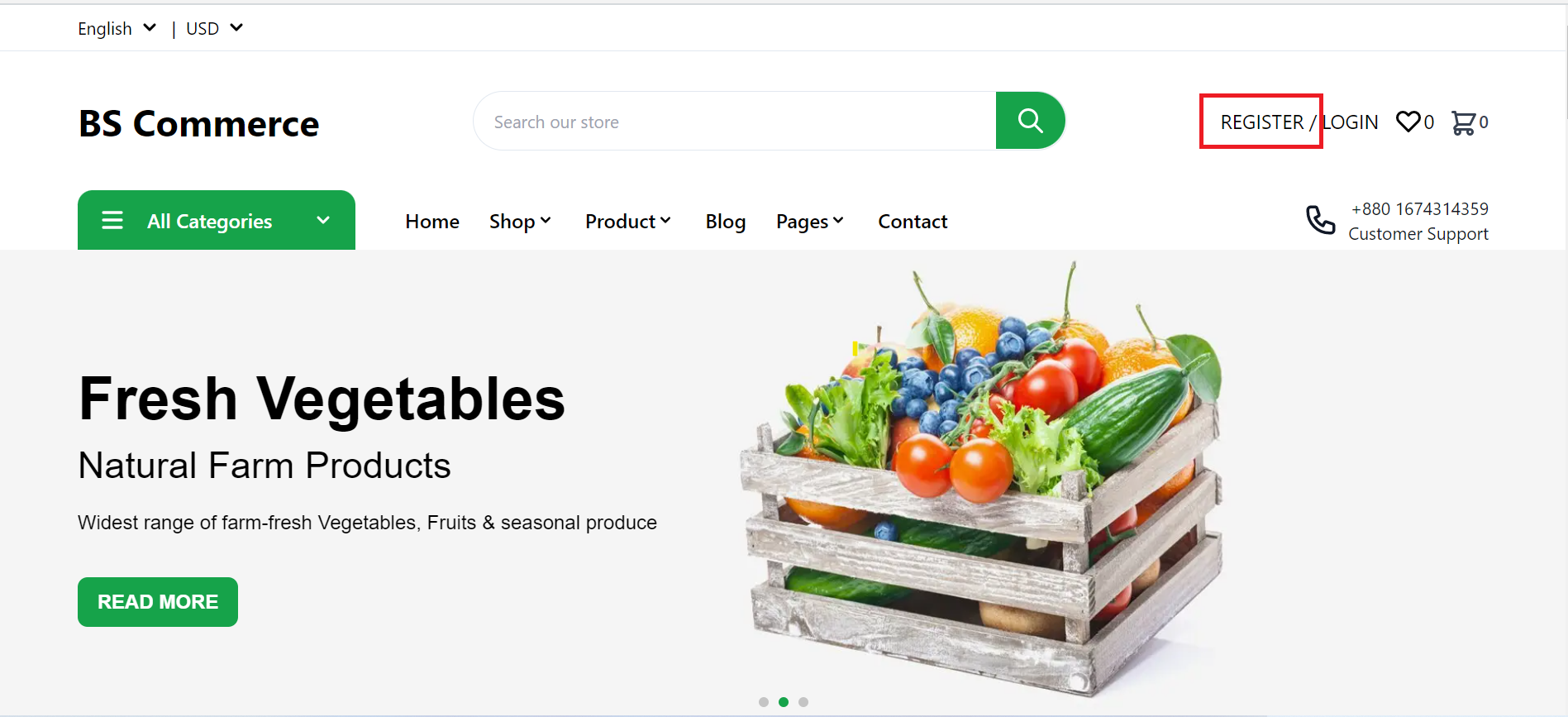
By clicking REGISTER, you will be redirected to the sign-up page.
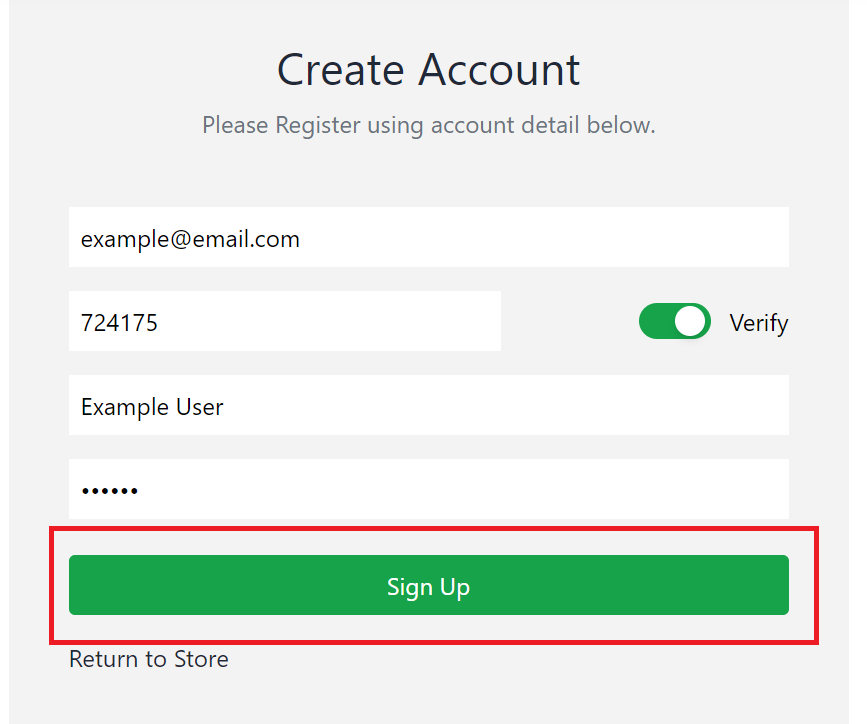
The sign-up/register page looks like this.
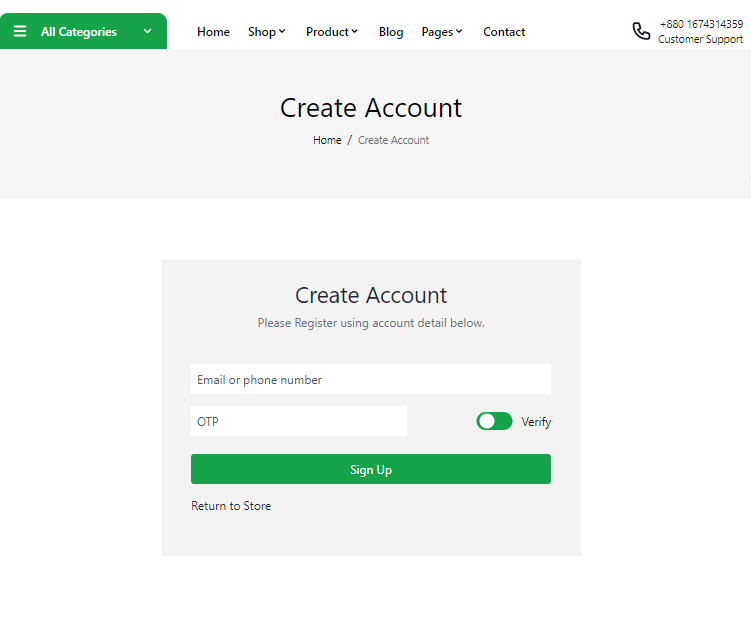
To register, at first you need to put your email address/phone number in the first field.

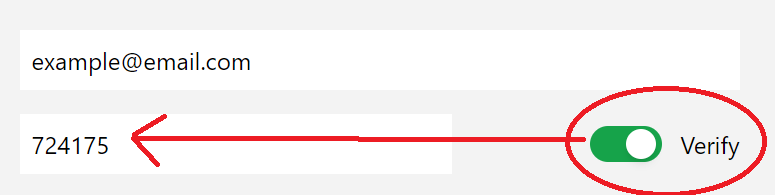
Then click the verify button. An OTP will be sent to your placed email address/phone number. Put the OTP in the left field.
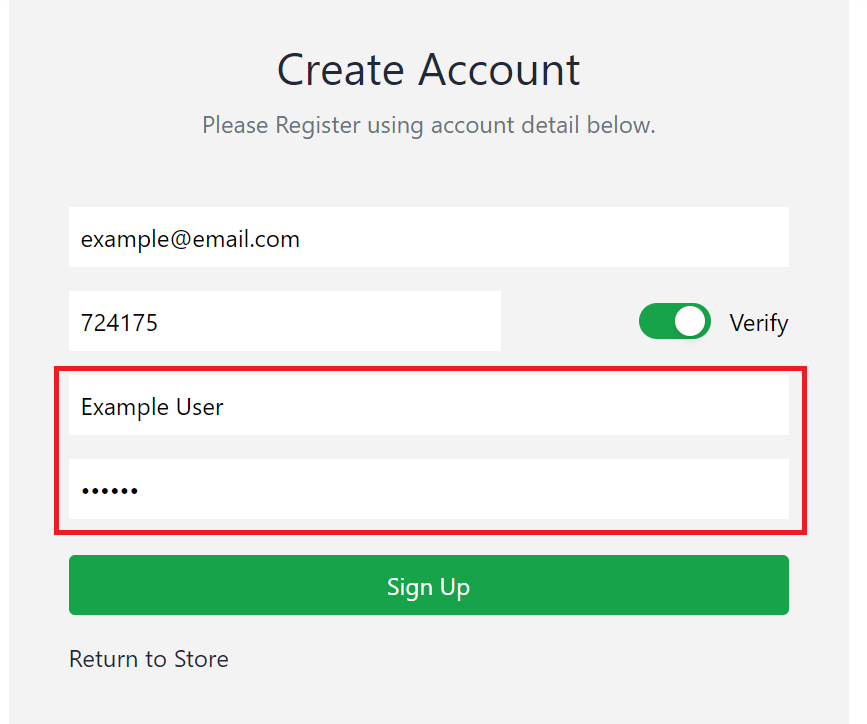
Fill the full name and password field after that and click the Sign Up button.
After successful register, you will be redirected to Sign In page.